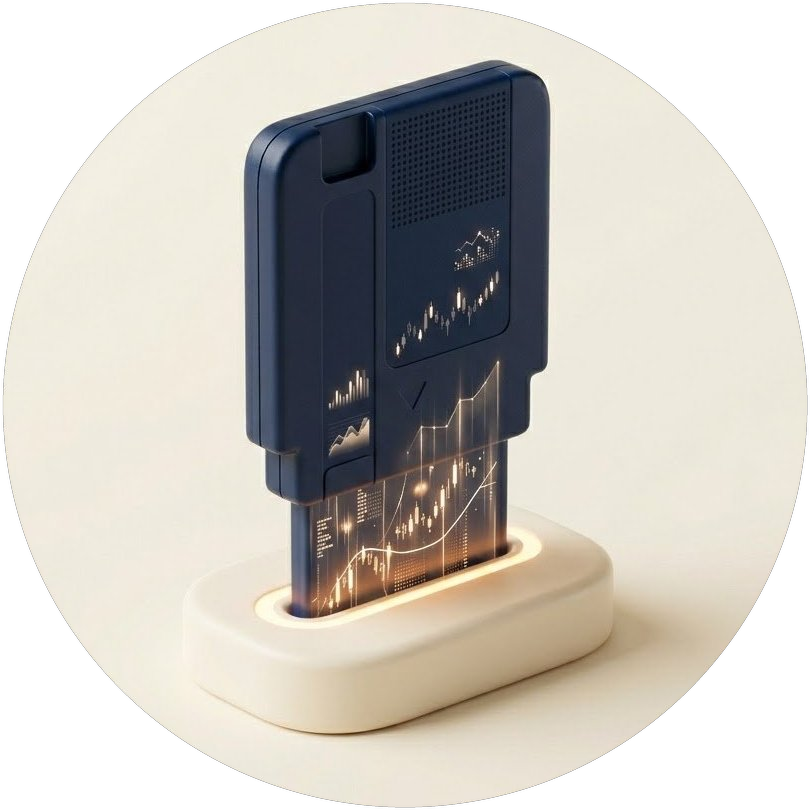
The Cartridge is a data file that structures the day’s economic analysis and scenarios. Attach it to ChatGPT, Claude, or Gemini, and your financial questions get answered with the latest market context.
Latest cartridgeOctober 24, 2026⬇ Download
Previous cartridges
HOW TO USE
How to use the Cartridge
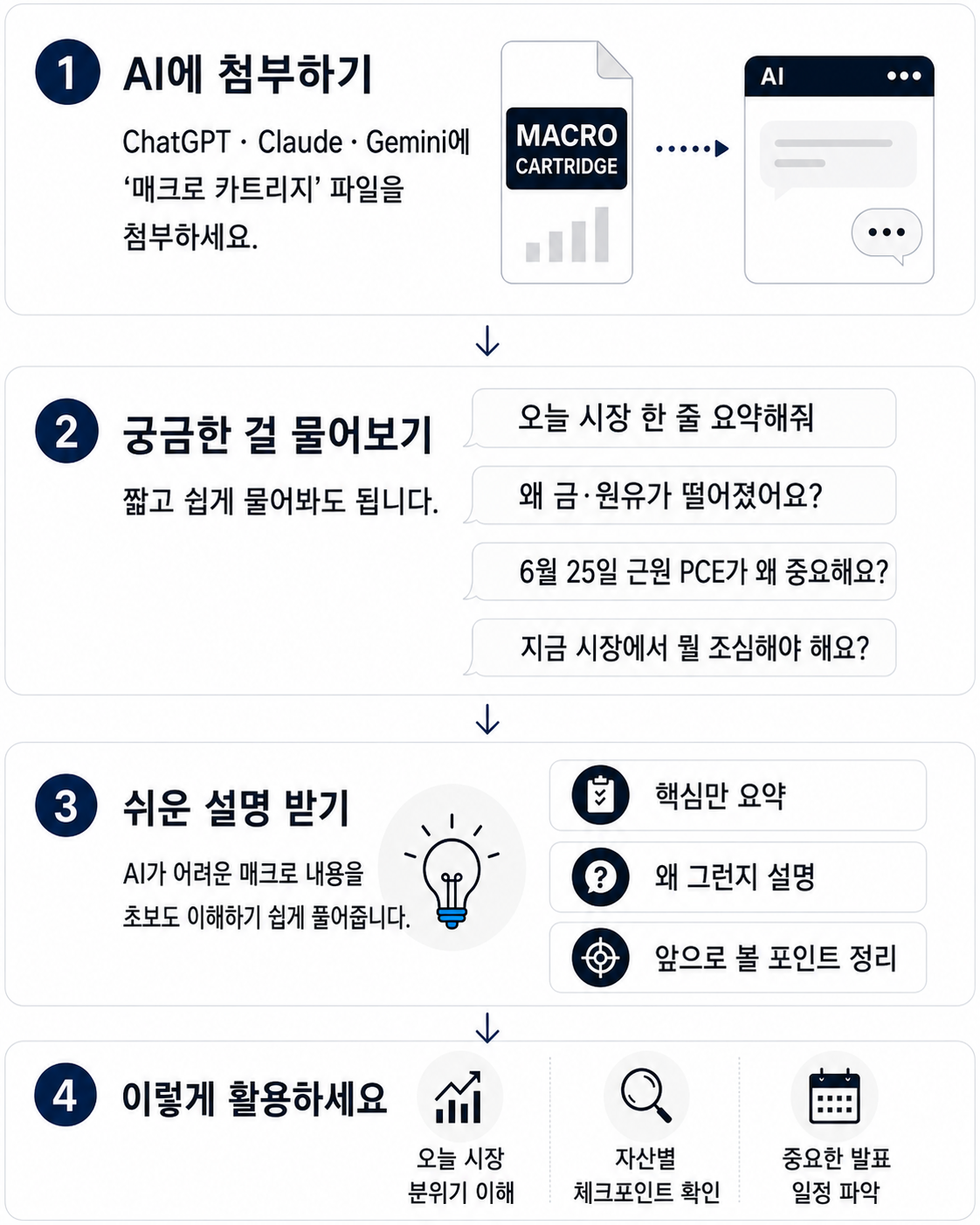
-
1
Download today’s Cartridge
Use the download button on this page to get today’s Cartridge (.md) file. -
2
Open your AI and attach the Cartridge file
Attach the downloaded .md file in the chat window of the AI you use — ChatGPT, Claude, Gemini, and so on. -
3
Type “Start”
After attaching, just typeStart— that one word is enough. The Cartridge first sums up what matters in today’s market. -
4
Follow the AI’s lead, then ask anything
Pick one of the suggested questions, or simply ask whatever you’re curious about.
IN ACTION
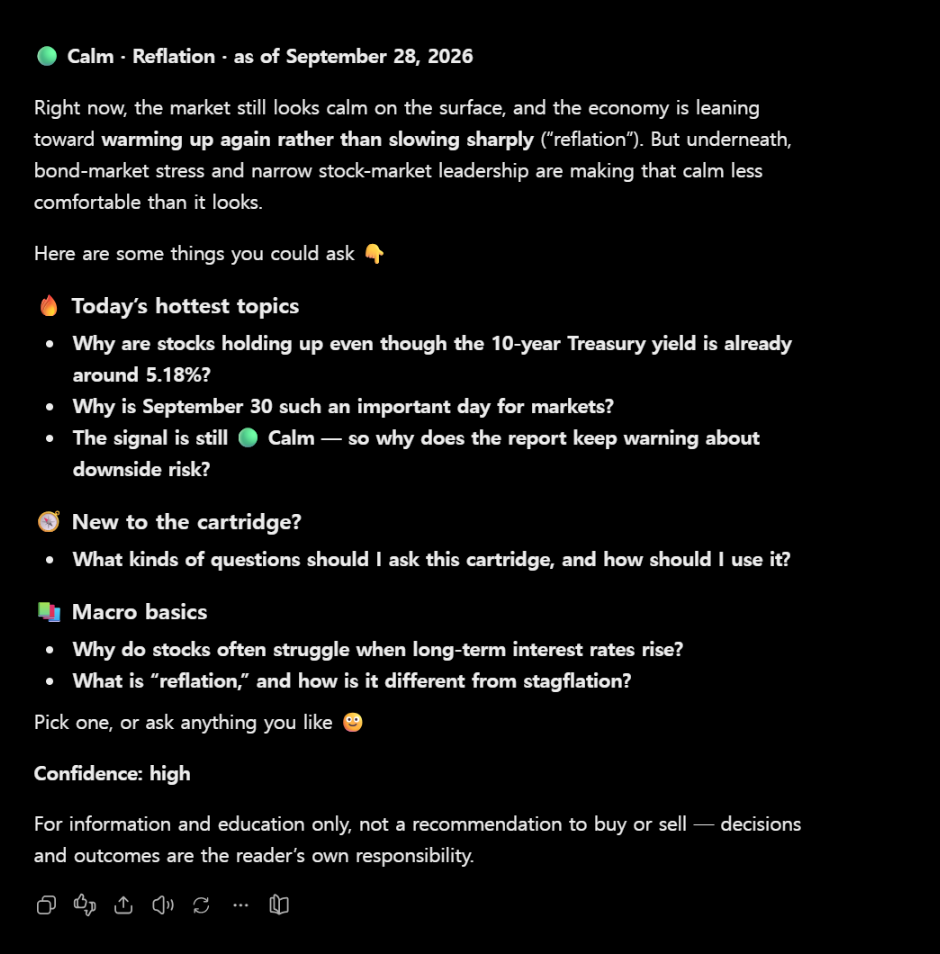
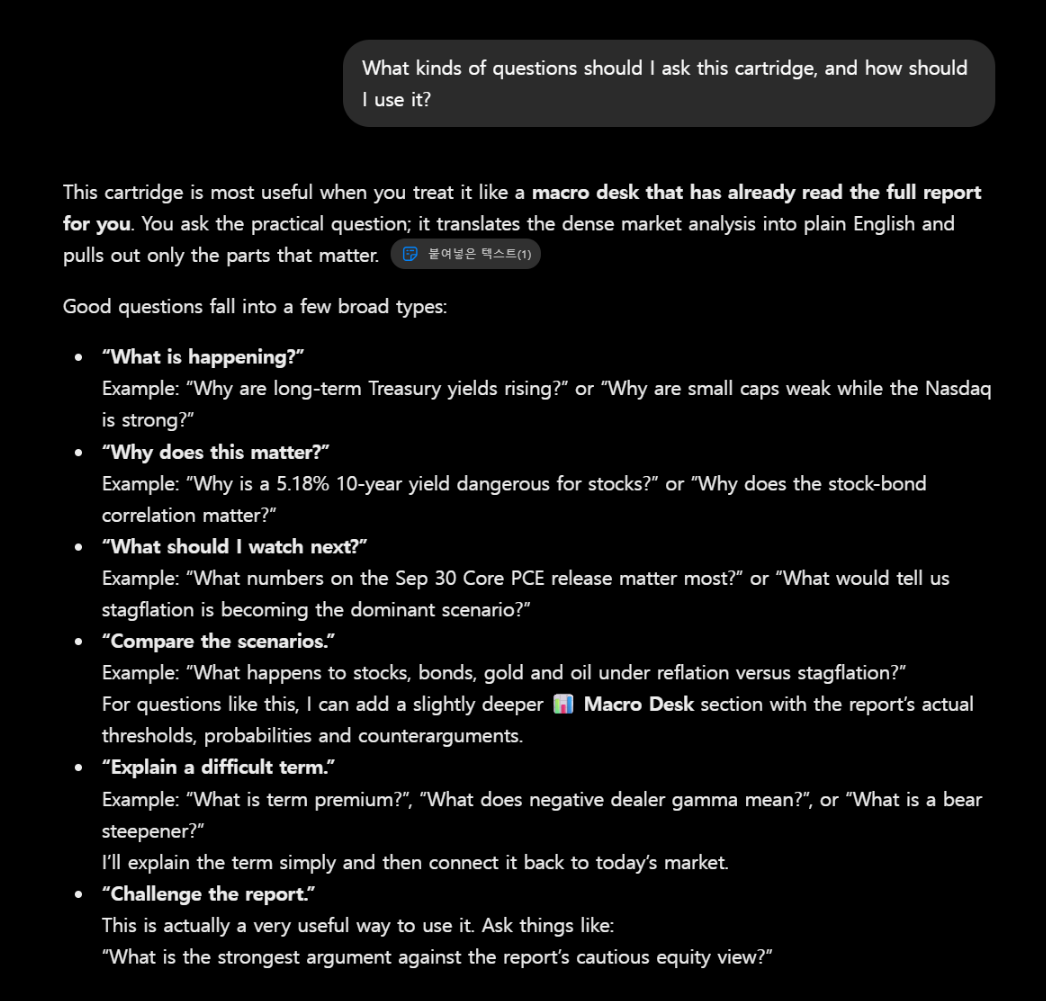
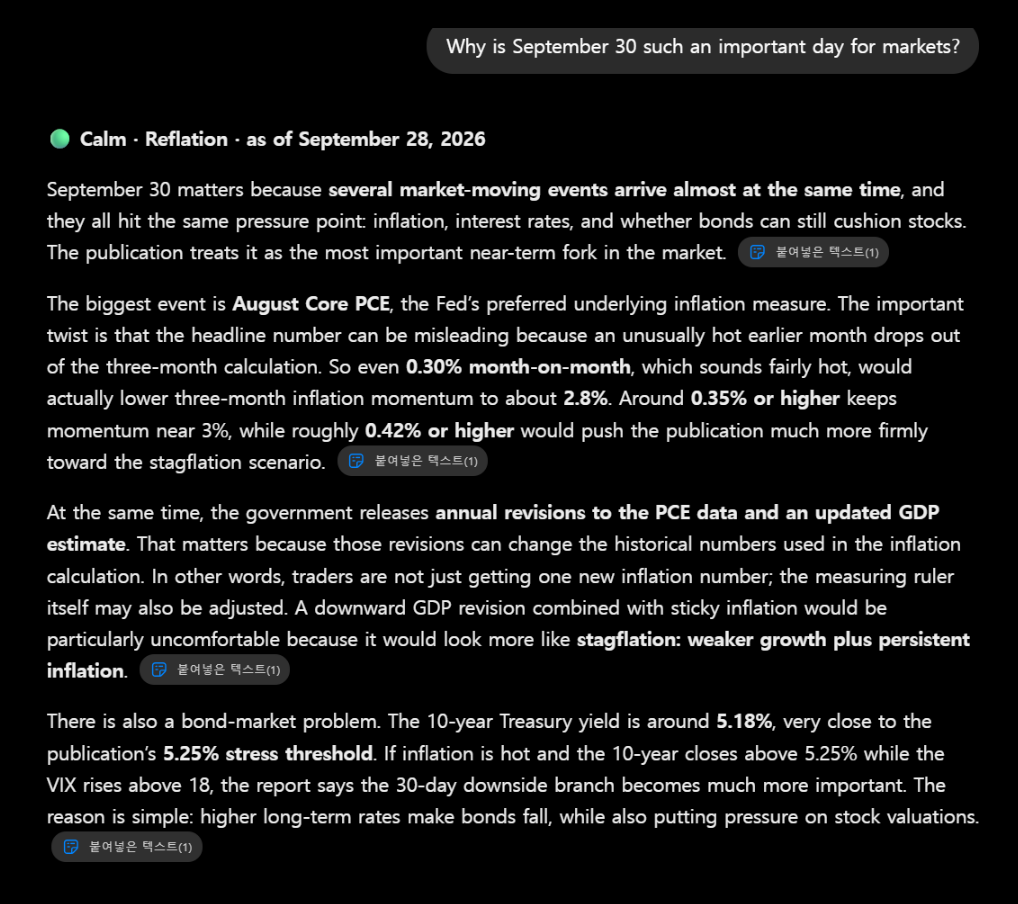
Here’s how it works in practice
A real conversation after attaching the Cartridge and typing “Start.”
Built from public sources; accuracy is not guaranteed. For information only; not investment advice.
Latest Macro Cartridge (2026-10-24)
The most recently published cartridge. Download it and attach it to the AI you use.